


Gtbet login: how to sign in to your account
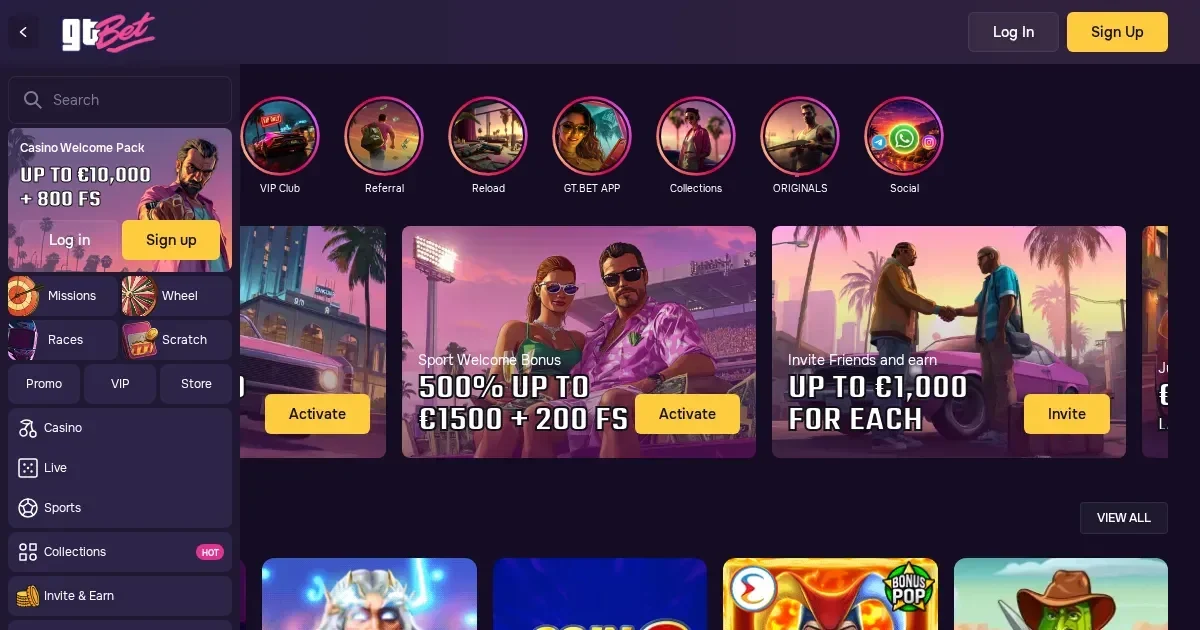
















Gtbet accounts are managed by the operator, not by this independent information portal. You can use Gtbet to understand how access works, but only the operator can restore, verify or unblock an account.
Reaching your account
Signing in starts on the operator's own website. Use the sign-in button, then enter the e-mail address and password chosen when you registered.
- Open the operator's website in your browser.
- Select the sign-in button.
- Enter the e-mail address and password used for your account.
- Confirm the details and wait for the account to open.
If you have not registered yet, registration also happens at the operator, where the required account details are requested.
The sign-in route on desktop and phone
The same account and password work through a mobile browser, so there is no need to change your details when moving between desktop and phone. Keep the browser window private if you are using a shared device, and sign out when you finish.
Good to know: the operator's support team is available through live chat and email, with support shown as available 24/7. It can help with sign-in problems that cannot be resolved using the usual route.
What can stop a sign-in?
Several checks can interrupt access. The right response depends on the cause, so do not keep retrying the same details if the account is subject to a hold.
- If the e-mail address or password is wrong, check both details and try again using the operator's sign-in route.
- If the account is awaiting identity verification, complete the required checks before trying to access funds or continue account use.
- If self-exclusion is active, the account remains restricted for the selected period. This is a deliberate control, not a technical fault.
- If the account is inactive, contact the operator rather than attempting to bypass the restriction.
Resetting a password through the operator
The password reset route is operated by Gtbet. Request a reset using the operator's own sign-in page and follow the link sent to the e-mail address registered with the account.
If that inbox is no longer accessible, ask the operator's support team to check the account record. Never send a password, verification code or other sign-in detail to an editorial inbox, and do not share it with anyone offering account assistance.
Verification holds and account restrictions
Identity verification is required before a first withdrawal, and the operator may request additional checks when a deposit is made. The documents can include identification, proof of address, a bank statement, credit-card images and proof of ownership of another payment method.
| Cause | What it means for access |
|---|---|
| First-withdrawal verification | Complete the identity checks before the withdrawal can proceed. |
| Additional deposit checks | The operator may request more documentation before the deposit can be used. |
| Self-exclusion | The selected restriction period applies and must be respected. |
| Dormant account | An administrative fee of 10 EUR per month may apply while a positive balance remains after at least six consecutive calendar months without account activity. |
Account closure requests can take up to 72 hours to process, during which the account remains active. Treat that status seriously and avoid placing bets or making transactions while a closure request is being handled.
Where to find support
For a problem that cannot be resolved through the normal sign-in route, use the operator's live chat or email support. The operator lists live chat and email as available 24/7, with the operator's own account channels providing the relevant route.
Before contacting them, have the registration e-mail, the approximate time the problem began and the exact message shown on screen ready. That gives the support team a clearer starting point for checking the account.
Keeping access safe
Use only the operator's own website, typed or bookmarked, when signing in. Do not follow a sign-in link in an unexpected e-mail or message, and do not enter your password into a form reached through an unverified link. A password used only for this account is easier to protect, while signing out on a shared device reduces the risk of someone accessing it later.
Responsible gambling
Gambling should remain entertainment rather than a financial plan or an obligation. Gtbet provides deposit limits, time limits and self-exclusion for periods from six months to five years. If you need a break, use the operator's tools and consider GamStop, the national self-exclusion service.
For free, confidential support, contact the National Gambling Helpline on 0808 8020 133 or visit BeGambleAware.org. 18+ only. Please gamble responsibly.
This page is for information and marketing purposes only. We are not a casino operator, a bookmaker or an organiser of gambling. Access to this content is restricted to persons aged 18 and over (18+). For free, confidential support with gambling, visit BeGambleAware.org.
Frequently asked questions
How do I sign in to my Gtbet account?
Open the operator's website, select its sign-in button and enter the e-mail address and password chosen when you registered. This portal does not operate or access player accounts.
What should I do if I have forgotten my Gtbet password?
Use the password reset route on the operator's sign-in page. The reset message is sent to the e-mail address registered with the account, so contact the operator if that inbox is no longer accessible.
Can I sign in to Gtbet on a phone?
Yes. The same account and password can be used in a mobile browser, with no need to change your details from the desktop version.
Why might my Gtbet sign-in be refused?
Incorrect details, pending identity verification, self-exclusion or an inactive account can all interrupt access. Check the normal sign-in route first, then ask the operator's support team for help if the issue continues.
Game Providers